AI Voice Generator + AI Agents: The Future of Human-Like Interaction
AI agents are getting better at doing useful work. Learn why an AI voice generator is becoming the human-facing layer that makes those agents easier to trust, guide, and use.
 Alex
Alex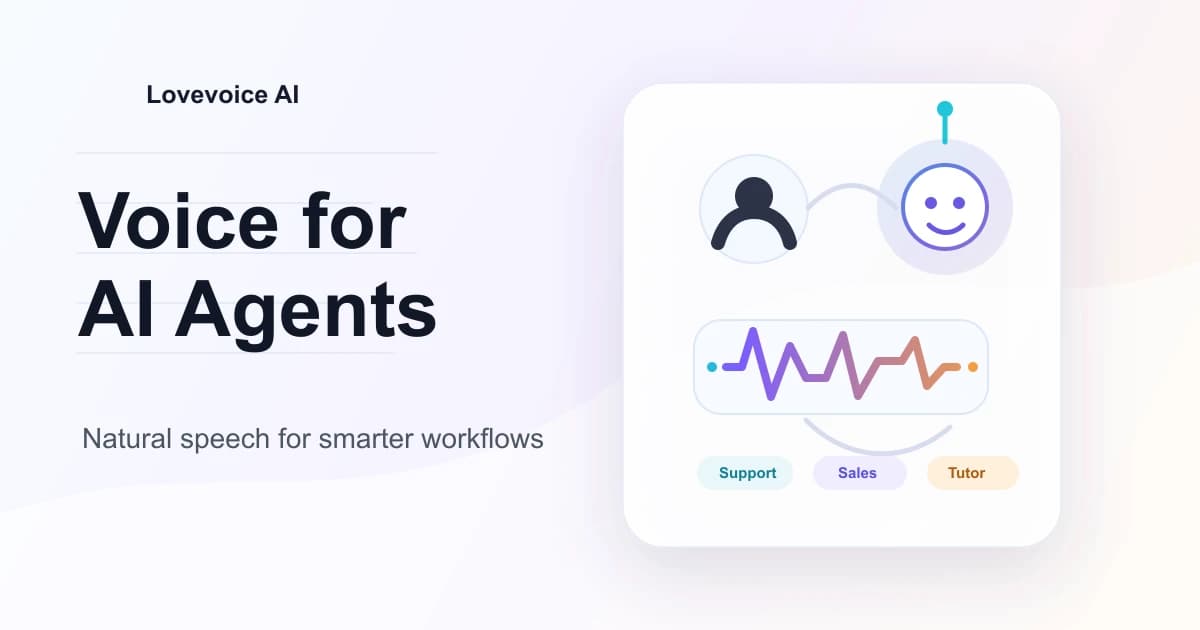
AI Voice Generator + AI Agents: The Future of Human-Like Interaction
AI agents are moving from chat boxes into real workflows. They can answer questions, call tools, summarize documents, qualify leads, and help users through setup. That is useful, but it also exposes a simple problem: most people do not want every interaction with an agent to feel like filling out a form.
This is where an AI voice generator changes the experience. Text is still the cleanest way to store instructions and records, but voice is often the easiest way to ask, clarify, interrupt, and decide. When an agent has a natural voice, the interaction starts to feel less like operating software and more like working with a responsive assistant.
The future is not "voice for everything." Quiet text interfaces will still win in plenty of cases. The practical shift is this: AI agents will handle more of the logic, while voice becomes the layer that makes that logic easier to act on.
Why AI agents need a better human interface
The strongest AI agents are not just chatbots with nicer wording. They can take actions. A support agent might check an order and suggest the next step. A learning assistant might spot confusion and change the explanation. A content agent might review a script and prepare a narration draft.
Those workflows need more than accurate text. They need timing, tone, and turn-taking.
Anyone who has tested a voice assistant knows the difference. If the response arrives late, the conversation feels broken. If the voice sounds flat, the user has to work harder to stay engaged. If the agent cannot handle interruptions, the whole thing starts to feel scripted. Human-like interaction is really about reducing the effort it takes to keep a task moving.
OpenAI's current voice agents documentation frames this as an architecture choice: teams can build speech-to-speech sessions for low-latency conversation, or chained voice pipelines when they want more control over transcription, reasoning, and text-to-speech.
The job of an AI voice generator in an agent workflow
An AI agent decides what should happen next. An AI voice generator decides how that next step sounds to the person using it.
That may seem small until you put it into a working product. A billing assistant that says "Your payment failed" in the wrong tone can feel cold, even if the information is correct. A training assistant that reads every answer in the same rhythm can make a lesson drag.
A good voice layer gives teams control over the human side of the interaction:
- pace, so users have time to understand
- tone, so the response matches the situation
- consistency, so the brand does not sound different every week
- localization, so the same agent can serve more markets
- repeatability, so updates do not require a new recording session
For teams still learning the basics of voice production, the Lovevoice guide to getting started with AI voice generation is a useful companion piece. The same habits improve spoken agent responses: shorter sentences, clearer pauses, and fewer phrases that look good on a page but sound awkward out loud.
Where voice agents will feel most natural first
The first big use cases will be practical, not futuristic.
Customer support is the obvious one. People already call businesses when they need help, so a voice agent that can understand the issue and explain the next step is a natural upgrade. The agent has to sound calm when the user is frustrated, concise when the user is in a hurry, and honest when it needs to transfer the conversation to a human.
Sales and onboarding are close behind. A software product can use a voice agent to walk a new user through setup, ask a few questions, and recommend the right path. It does not need to pretend to be human. It just needs to feel clear and patient.
Learning and coaching may be even more interesting. A spoken tutor can ask a follow-up question, pause while the learner thinks, and rephrase an explanation when the first attempt does not land. Google's Gemini Live API documentation shows how major AI platforms are treating live audio and voice selection as core interaction capabilities, not side features.
Content creation is another natural fit. Creators already use AI for scripts, thumbnails, short-form videos, and editing support. Adding an AI voice generator lets the agent move from "here is a script" to "here is a usable narration draft." If you are building repeatable video or audio workflows, the Lovevoice AI voice generator can help turn agent-generated text into production-ready speech without setting up a studio for every revision.
What makes an agent voice feel human-like?
Human-like does not mean tricking people. In most commercial and creator workflows, the better goal is natural, transparent, and easy to follow.
Three details matter more than people expect.
First, the agent needs the right amount of personality. A voice with no warmth feels mechanical. Too much personality feels distracting. The useful middle fits the job: steady for support, upbeat for walkthroughs, calm for learning, and more energetic for short-form content.
Second, the agent needs to handle repair moments. Real conversations are messy. People interrupt, change their minds, or use vague words like "that one." A believable voice workflow gives the user room to correct the agent without making the interaction feel like an error state.
Third, the agent needs a stable voice identity. If a brand uses one tone in ads, another in onboarding, and a completely different one in support, users notice. That does not mean every channel needs the exact same voice. It means the company should have a clear audio direction. The Lovevoice article on AI voice generator and brand identity goes deeper into that problem from a branding angle.
The practical architecture choice: live voice or generated narration
Not every agent needs real-time speech. This is where teams should be careful.
A live support assistant needs low latency. It has to listen, respond, and recover from interruptions quickly. In that case, a speech-to-speech or streaming voice architecture makes sense because the user is inside a live turn-taking loop.
A content production agent has different needs. If the agent writes a YouTube intro, a training module, or a product explainer, the most valuable output may be a polished audio file. A chained workflow works well here: agent writes or edits the script, the team reviews it, then a text-to-speech step creates the final narration.
That second pattern is where an online tool like Lovevoice fits neatly. You can use an agent to plan and draft, then use Lovevoice to generate clean voice output for publishing. If you need to test several voices or produce multiple versions, check the current Lovevoice pricing before you scale the workflow across a team.
The key is matching the voice layer to the job. Live voice is best when the user needs a conversation. Generated narration is best when the user needs a finished asset.
Trust, consent, and disclosure cannot be an afterthought
Voice is intimate. That makes it effective, and it also makes it risky.
If an AI agent uses a synthetic voice in a public-facing workflow, users should understand what they are interacting with. If a creator uses a cloned or highly realistic synthetic voice in a video, platform rules may apply. YouTube's altered or synthetic content disclosure policy, for example, says creators must disclose meaningfully altered or synthetic content when it seems realistic.
For teams, the practical checklist is straightforward:
- do not imitate a real person without permission
- disclose AI-generated voice when the context could mislead
- keep records of scripts, approvals, and voice usage
- give users a clear path to a human when the stakes are high
- avoid using a playful tone for sensitive topics like health, finance, or legal decisions
Trust is not built by making the agent sound perfectly human. It is built by making the interaction useful, honest, and easy to exit.
How to start testing AI voice generator + AI agent workflows
The safest way to explore this space is to test a narrow workflow before redesigning a whole product.
Pick one moment where voice would clearly reduce friction: a welcome flow, a support explanation, a product demo, or a weekly content narration. Then write the agent response as if a real person had to say it out loud. Keep sentences short. Remove filler. Add natural pauses. If the script feels awkward when spoken, the agent will not save it.
Next, generate two or three voice versions. Listen on phone speakers, earbuds, and in a slightly noisy room. That is closer to how users will experience it.
Then ask a better question than "does it sound realistic?" Ask:
- would a user understand the next step?
- does the tone fit the situation?
- does the voice still feel comfortable after five minutes?
- can the workflow recover when the user changes direction?
That last question is the agent test. The others are the voice test. You need both.
Why trust this guide
This guide is written from the perspective of teams comparing practical AI voice workflows for content production, onboarding, and spoken assistant experiences. The focus is where voice reduces friction, where it adds risk, and how an AI voice generator turns agent output into something people can actually use.
Final thoughts
AI agents are becoming more capable, but capability alone does not make an interaction feel natural. People still need clarity, tone, timing, and a sense that they can guide the conversation.
That is why the combination of AI agents and AI voice generators matters. The agent handles the task logic. The voice gives the interaction a human-readable shape.
If you are experimenting with agent-generated scripts, support flows, product demos, or creator workflows, start with one practical voice moment. Use Lovevoice to turn the text into natural speech, compare a few delivery styles, and listen for what helps the user move forward. The best voice is the one that makes the next step feel obvious.
संबंधित लेख
ChatGPT 5.2 Is Here — And It’s Redefining What an AI Voice Generator Can Do
ChatGPT 5.2 raises expectations for voice-first AI. Learn what’s new, why voice is becoming the center of AI interaction, and how Lovevoice.ai helps creators produce natural, premium voiceovers at scale.
AI Voice Agent Platforms in 2026: Choosing the Right Stack
Compare the leading AI voice agent platforms in 2026 by real use case, from custom developer stacks to no-code call agents and voice-first automation.
Sora Is Here — Do Short Videos Still Need Human Voiceovers?
The release of Sora, OpenAI's powerful text-to-video model, has shaken up the creator economy. Explore how AI Voice Generators like Lovevoice AI are becoming essential for scaling video production in the Sora era.